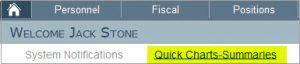
You can generate a Leave Summary report from the Leave Summary section in the Personnel menu. Select a group of people using the Quick or Advanced search option or enter an employee’s name in the free search space. Then click on the Print Leave Balance Summary button.
There are also two report in the General System Reports section in the Reporting menu called Employee Leave Requests and Leave Balance Summary.